Tech sheet
bnVehicleHistory
Vehicle history and mileage tracking
Installation
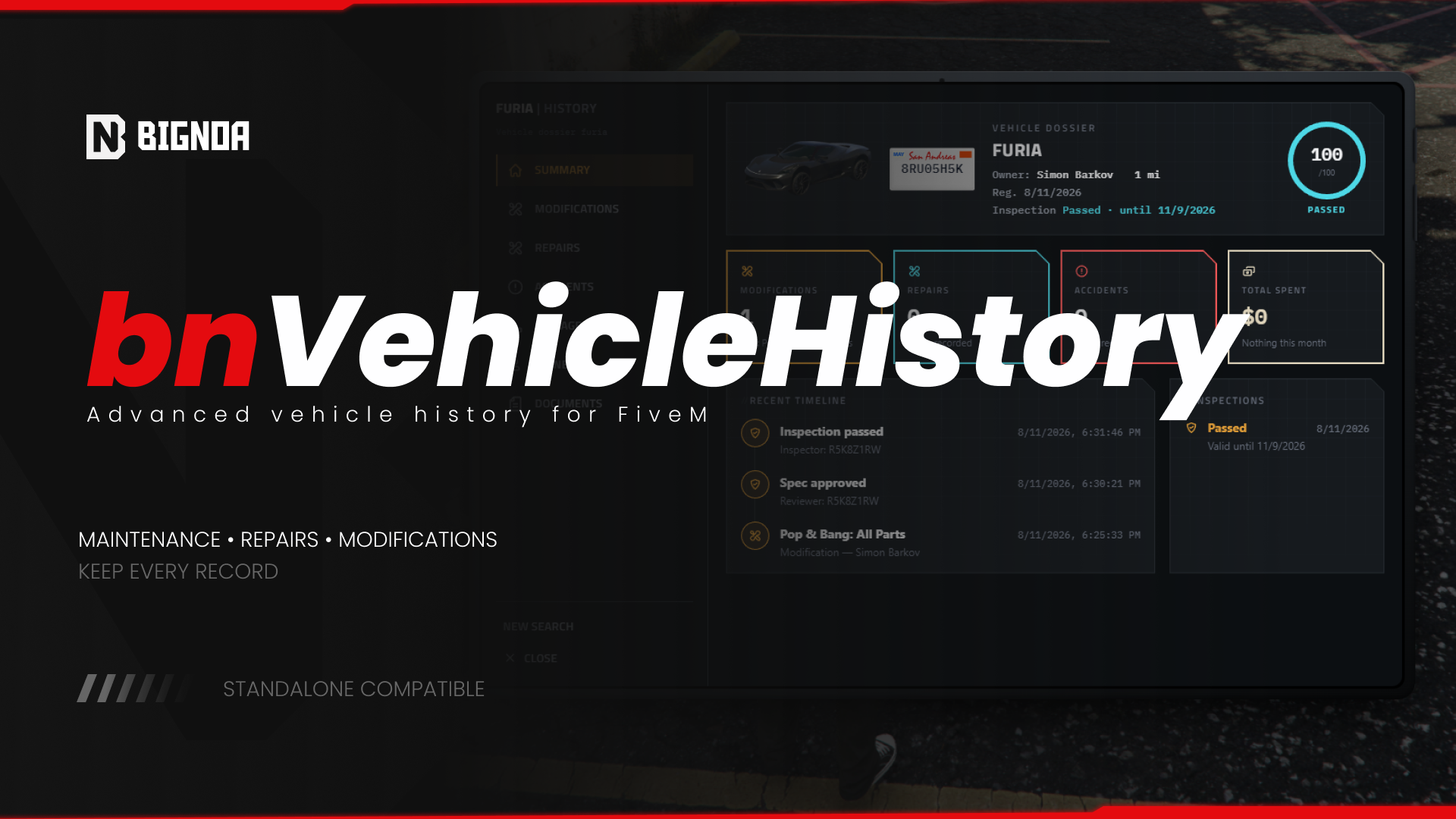
Full vehicle history tracking (owners, mileage, accidents, repairs, inspections, and spec/tuning review) with a searchable NUI gated by role (owner / mechanic / police).
- Copy
bnVehicleHistoryinto yourresourcesfolder, keeping the folder name as-is. - Add to
server.cfg, respecting the load order:
ensure ox_lib
ensure oxmysql
ensure bnVehicleHistory
Database tables
server/database.lua runs the schema via MySQL.ready). No manual SQL import needed. sql/install.sql is kept only as a reference copy.Upgrading an existing vanilla MySQL 8 install
Schema migrations use ALTER TABLE … ADD COLUMN IF NOT EXISTS, a MariaDB-only extension (the typical FiveM/txAdmin default). A fresh install is unaffected either way. If you’re upgrading an existing install running vanilla MySQL 8 (not MariaDB), add these columns manually:
ALTER TABLE bn_vh_vehicles ADD COLUMN `model` VARCHAR(50) DEFAULT NULL;
ALTER TABLE bn_vh_vehicles ADD COLUMN `last_known_health` FLOAT DEFAULT NULL;
ALTER TABLE bn_vh_vehicles ADD COLUMN `declared_spec` TEXT DEFAULT NULL;
ALTER TABLE bn_vh_repairs ADD COLUMN `category` VARCHAR(30) DEFAULT NULL;- Configure the resource through
config.lua. See Configuration. - Restart the resource:
restart bnVehicleHistoryChoosing a framework
Config.Framework = 'qbox' -- 'esx' | 'qbcore' | 'qbox'Only these three values are recognized. Anything else, including an empty string or 'standalone', makes bridge/standalone.lua take over automatically (it prints a warning to the server console when that happens). Standalone mode has no job/identity system and no native inventory, ownership then relies entirely on the exports in Exports instead of the automatic framework sync described in Systems & Features.
Next steps
Once it’s running, head to Integrations to register the vehicle_document item and wire up ox_target/Discord, and Commands & Permissions to set who can do what.